Gallery Ribbon
A horizontal trail of irregular frames and connected color threads. It is the primary map and shows local module progress.
The gallery ribbon
Move through observation, arrangement, context, access, and reflection. Every module uses preloaded content and structured local controls—never a feed, profile, upload, or cloud workspace.
Core experience
Progress is not a score. It simply marks which preloaded cards have been visited, which structured choices are saved locally, and where the user wants to return.
A horizontal trail of irregular frames and connected color threads. It is the primary map and shows local module progress.
Short exercises separate what is visible from what is inferred through line, form, scale, light, material, and rhythm.
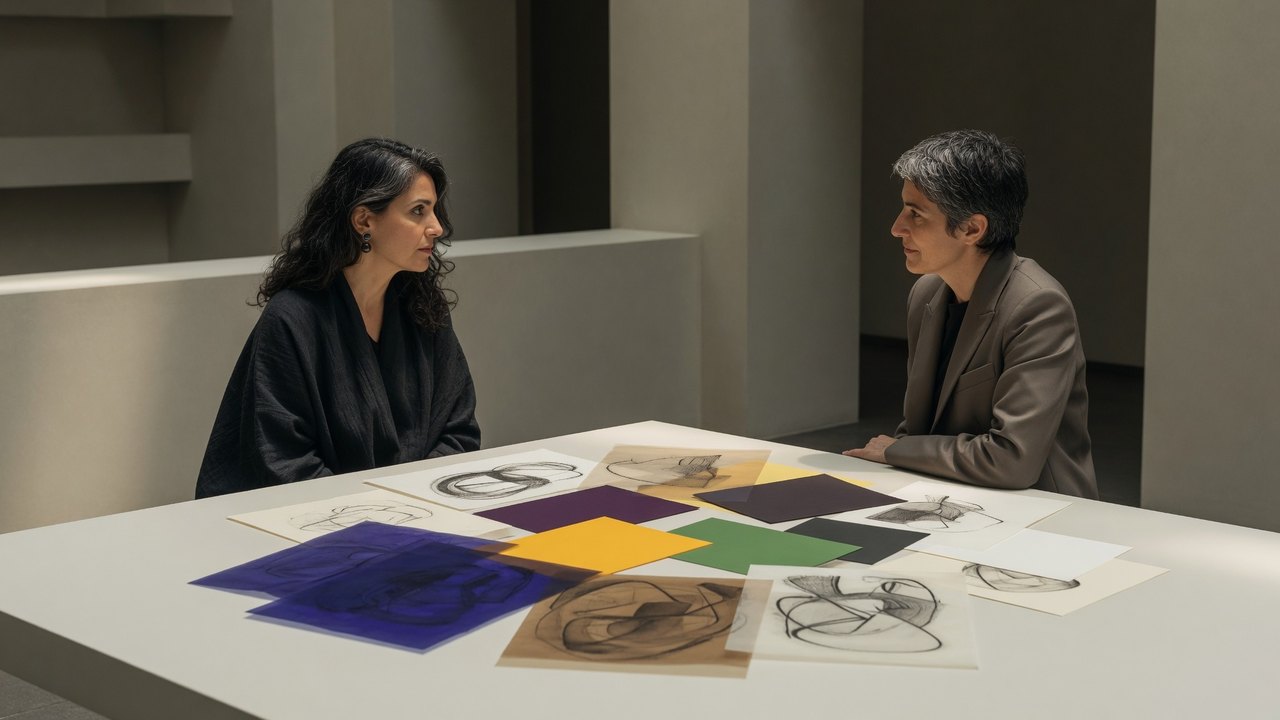
Overlay color and material prompts to compare emphasis, contrast, repetition, and movement without claiming a single correct reading.
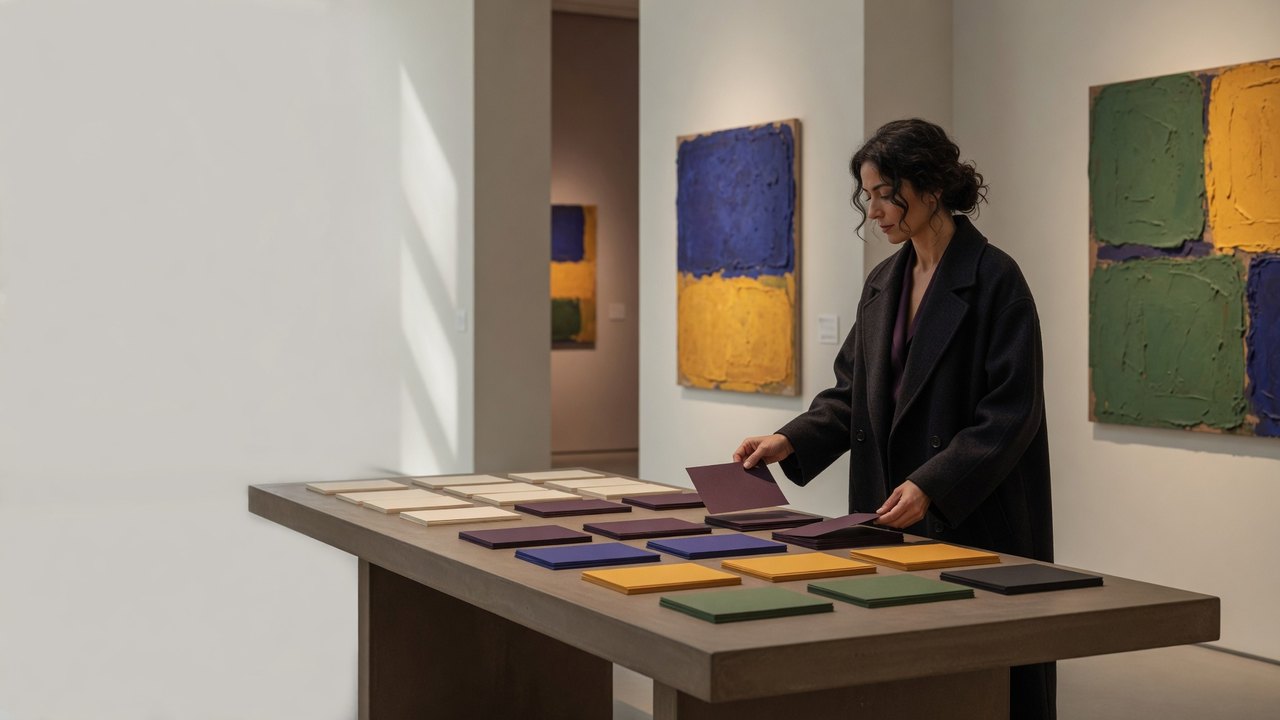
Reorder fictional work cards to practice pacing, sightlines, scale, visual conversation, and space between works.
Review consent, attribution, context, translation, representation, and the difference between observation and speaking for someone.
Draw structured, prewritten prompts for solo looking, paired discussion, facilitation, and reflective review.
Build a device-only checklist for pacing, questions, rest, and respectful gallery habits. It is not a ticket, itinerary, or live event tool.
Consider clear paths, seating, visual density, contrast, image descriptions, sensory pacing, and multiple ways to engage.
Keep venue rules, personal boundaries, artwork care, consent, and non-emergency limitations close at hand.
Distinguish publisher context, external references, original product content, and materials that do not imply endorsement.
See the exact offline data model, local reset choices, permission boundaries, and full privacy policy inside the app.
Review app identity, adult audience, purpose, publisher context, and features the app intentionally does not provide.

Structured local state
The app may remember anonymous module visits, selected prompt IDs, curator-card order, checklist choices, lens position, reduced-motion preference, and the last open module. It provides no free-text journal and asks for no name, email, artwork, photo, voice, location, or personal story.
Each interactive module has a reset control. The confirmed Clear all local activity control removes every stored selection and display preference. Clearing Android app storage or uninstalling also removes local state. Android cloud backup and device-to-device transfer are disabled.
No dead ends
Buttons open a module, reveal a preloaded prompt, save a structured local choice, return to the ribbon, or reset local state. Decorative frames and connector rings are never presented as functional controls.