App support

Keep the ribbon moving

Most issues can be resolved without an account, network connection, or support ticket. Start with the local checks below.
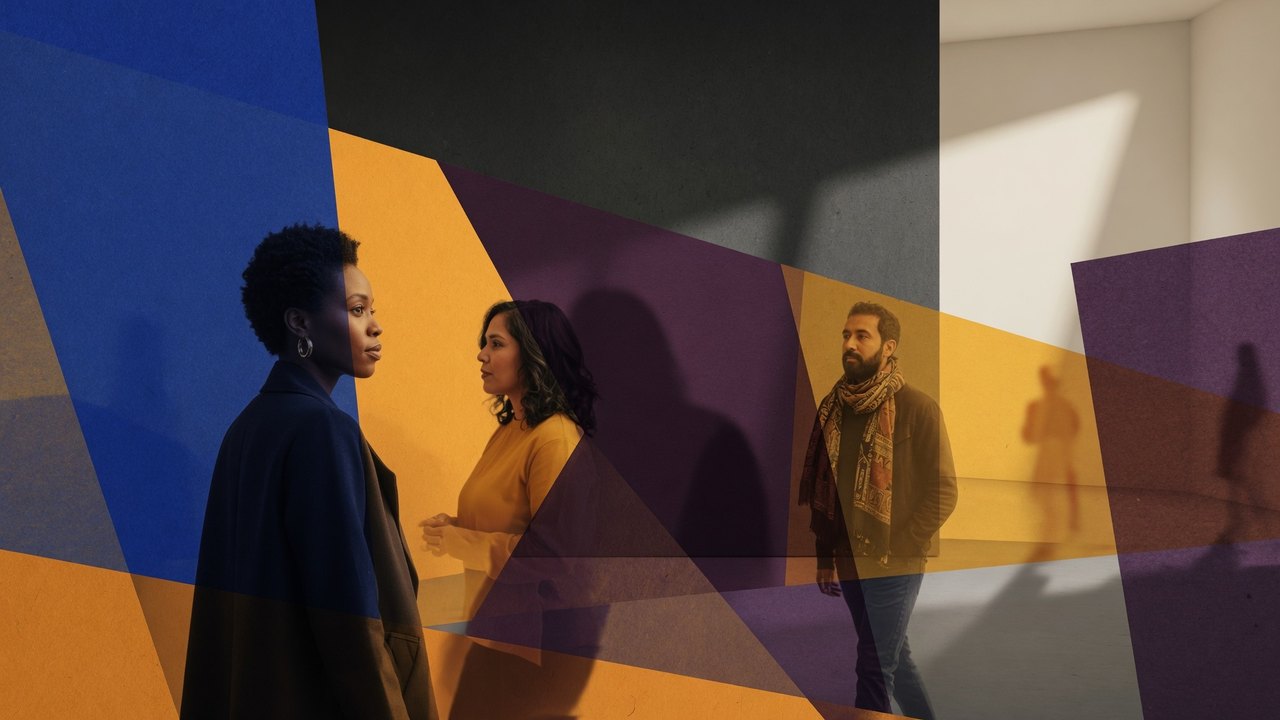
Fictional adults viewing art in a geometric gallery

Quick checks

Four calm first steps

Voces en Capas packages its content locally. Network troubleshooting, sign-out, subscription restoration, and server status checks do not apply.

01

Restart

Close the app from the recent-apps screen, then open it again.

02

Check space

Make sure the device has free storage for the app and Android's normal operating needs.

03

Update safely

Install only a publisher-authorized release from the expected distribution source.

04

Clear locally

Use Privacy Center → Clear local activity if saved state appears inconsistent.

Frequently asked questions

Answers without a contact form

This static support site uses no account, form, cookie, advertising script, or analytics beacon.

Does the app need internet?
No. Lessons, fictional artworks, prompts, source addresses, and local controls are packaged with the Android app. The app does not open a browser or another external app.
Why is a source address not tappable?
Source addresses are intentionally displayed as static reference text. To visit one, enter it separately in a browser outside Voces en Capas.
Where is my progress stored?
Anonymous module visits, selected prompt IDs, curator-card order, checklist choices, lens position, and the last open module are stored inside private device preferences. They are not uploaded.
How do I remove progress?
Use Privacy Center → Clear local activity and confirm. Android Settings → Apps → Voces en Capas → Storage → Clear storage also removes it. Uninstalling removes app-local state.
Can I recover state after reset?
No. The app has no cloud account, sync, or server copy. Backup and device transfer are disabled, so a reset or uninstall is intended to be final.
Can I submit artwork or apply?
No. The app does not accept submissions, applications, registrations, portfolios, tickets, payments, donations, sales, or mentorship requests.
Does the app show current exhibitions?
No. Preloaded scenes and works are fictional learning materials. Confirm current organization and venue information through current official channels.
Can I add my own photo or notes?
No. The release intentionally provides no photo, camera, microphone, file upload, or free-text field.
How do I reduce animation?
Open Privacy Center and turn on Reduce motion. Android's “Remove animations” or equivalent accessibility setting can also reduce motion at the operating-system level.
Why is text clipped or an image missing?
Restart the app and confirm the official release is current. Note the Android version, app version, device model, display size, font size, screen, and steps that reproduce the issue before contacting the publisher.

Publisher contact

Postal support and privacy contact

Written support and privacy inquiries may be sent to:

Nuestra Creacion, Inc.
Voces en Capas Support / Privacy
195 Arizona Ave NE Unit 169
Atlanta, GA 30307
USA

Do not mail passwords, payment information, government identifiers, original artwork, irreplaceable documents, or sensitive personal records. There is no app account to include.

Helpful details

For a technical report, include only

  • App name: Voces en Capas
  • Package: org.nuestracreacion.vocescapas
  • App version and Android version
  • Device model and display/font settings
  • The screen and steps that reproduce the issue
  • Whether clearing local activity changed the result

Do not include personal stories or sensitive information.

Privacy questions

There is no server-side app record to request

The app does not create an account or transmit user data. Local app state can be deleted directly on the device. A postal request is appropriate for a question about this policy or for deletion of correspondence previously mailed to the publisher, subject to lawful retention needs.